

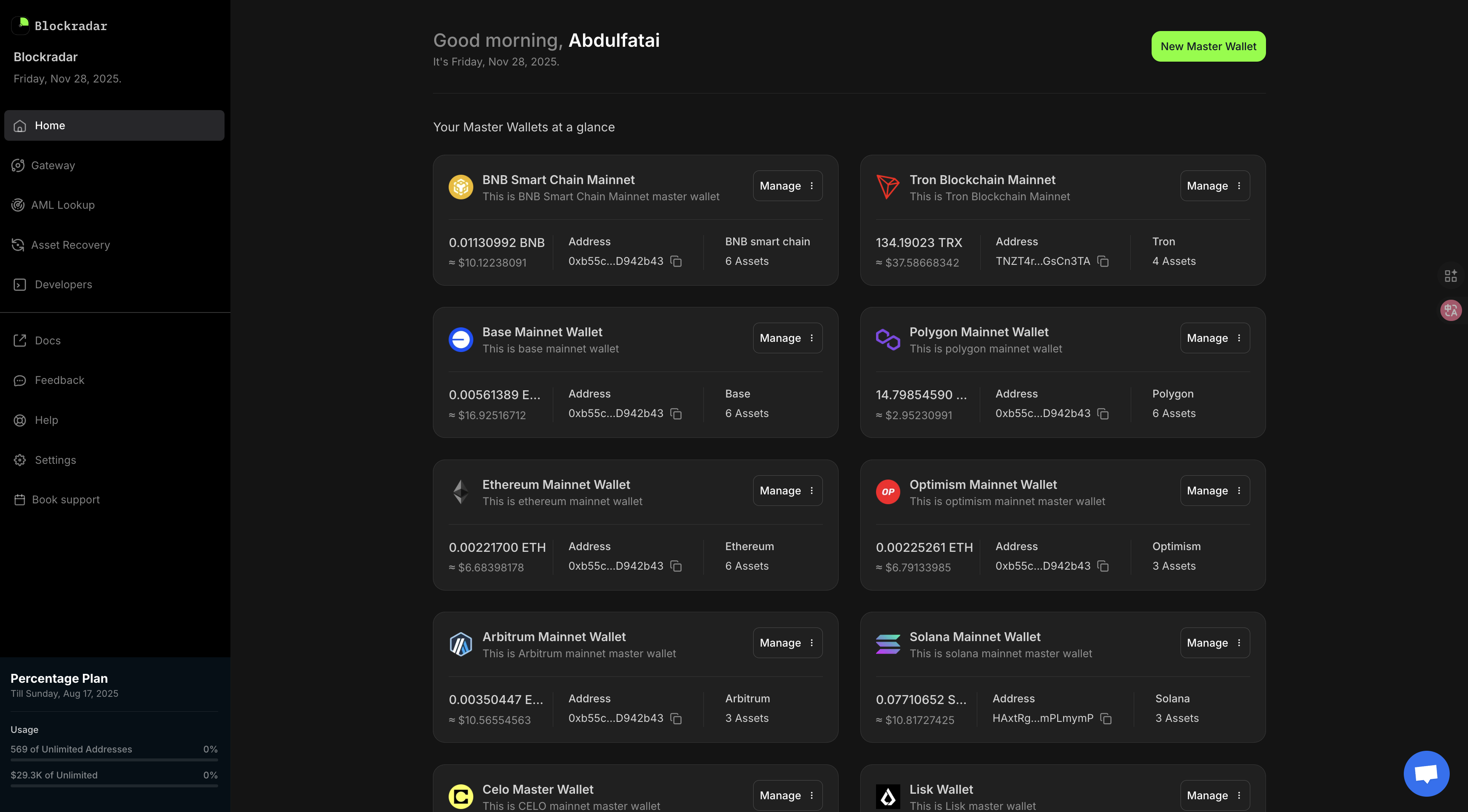
What you can do without code
- Create and manage master wallets
- Generate payment links and share them with customers
- Send manual withdrawals to any address
- Monitor all inbound and outbound transactions
- View and replay webhook delivery logs
- Screen addresses with AML before sending
- Export transaction history
Create a payment link
Payment links let you accept stablecoin payments without any integration. You share a link, your customer pays, and you see the funds arrive in your dashboard.1
Go to Payment Links
In the left sidebar, click My Wallets → Payment Links.
2
Create a link
Click Create Link. Set the amount, token, and expiry date. Leave the amount blank to let the payer enter any amount.
3
Share the link
Copy the generated URL and share it with your customer via email, WhatsApp, or any other channel.
4
Confirm receipt
When payment is received, you’ll see it in the Transactions tab of the payment link. You’ll also receive a dashboard notification.
Send a manual withdrawal
1
Open your master wallet
Go to Wallets and select the wallet you want to send from.
2
Click Withdraw
Click the Withdraw button on the wallet overview page.
3
Enter recipient details
Paste the destination address, select the asset and amount, then confirm.
4
Approve with 2FA
Enter your 2FA code to authorize the transaction.
Monitor transactions
The Transactions tab on any wallet shows every deposit and withdrawal in real time. You can:- Filter by status, asset, date range, or address
- Click any transaction to see the full on-chain details
- Export to CSV for accounting or reconciliation
- Replay a webhook if your backend missed a notification
Screen an address before sending
Before sending funds to a new counterparty, you can run an AML check directly from the dashboard:1
Go to AML Screening
In the sidebar, click My Wallets → AML Lookup.
2
Enter the address
Paste the wallet address you want to screen.
3
Review the result
Blockradar checks against OFAC, FBI, Tether, and Circle blocklists and returns a risk assessment instantly.
Next steps
When you’re ready to automate and scale, move to the API:From 0 to integration
Build a full stablecoin payment flow with the API.
API Overview
Explore all available endpoints.