
In a nutshell
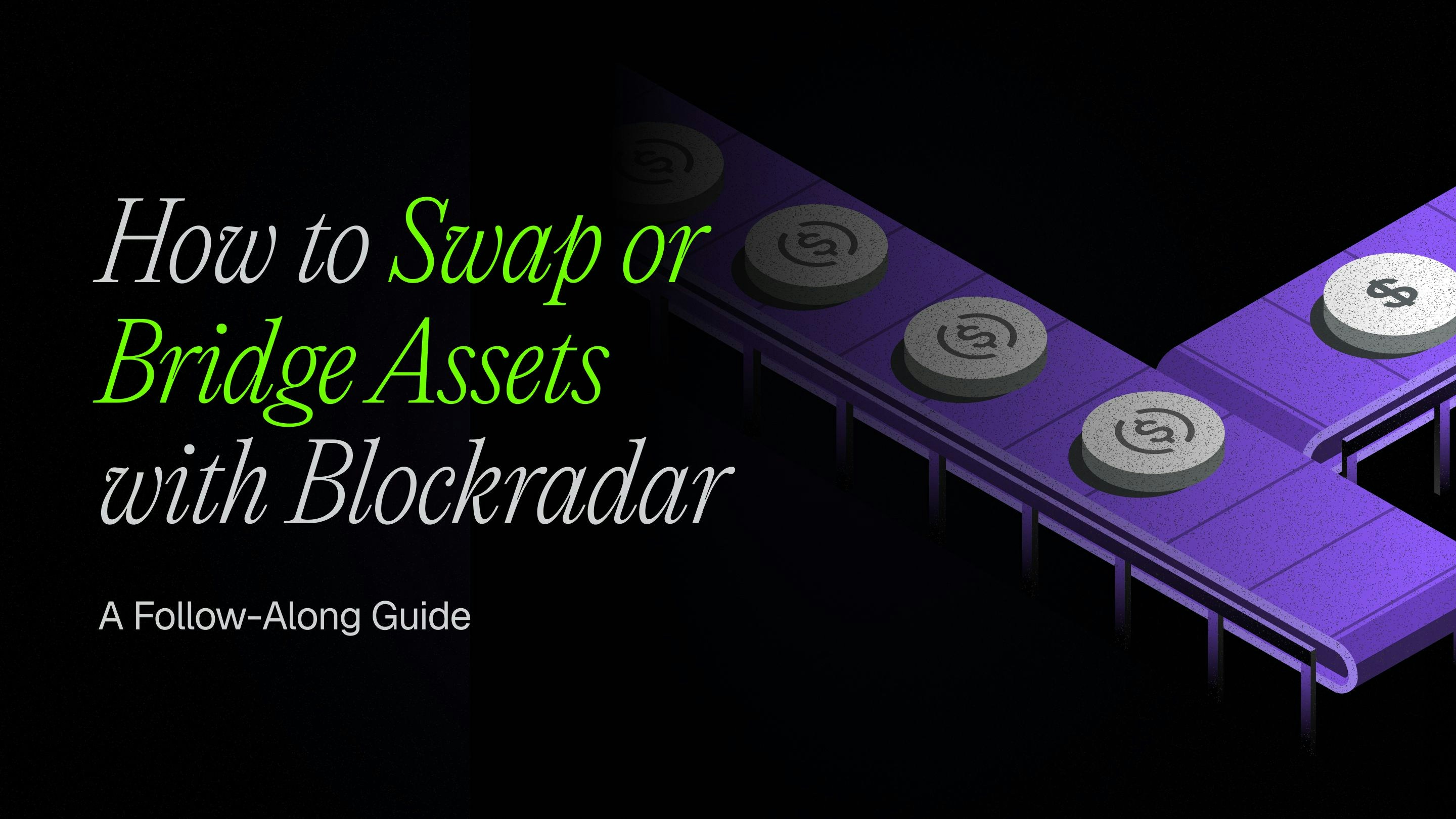
Blockradar’s Swap API lets you exchange assets on the same chain (swap) or move assets between different chains (bridge) using a single unified endpoint.
Blockradar’s Swap API lets you exchange assets on the same chain (swap) or move assets between different chains (bridge) using a single unified endpoint.
Prerequisites
Before using the Swap API, ensure you have:1
API Key
Get your API key from the Blockradar Dashboard. Navigate to Developers to generate one.
2
Wallet Created
Create a wallet in the dashboard (see Create a Master Wallet). You’ll need the
walletId for swap operations.3
Asset IDs
Get the
assetId for your source and destination assets from Assets in the dashboard or via the Get Assets API.4
Sufficient Balance
Ensure your wallet has enough balance of the source asset to cover the swap amount plus network fees.
How It Works
Blockradar automatically determines whether your transaction is a swap or a bridge based on your asset selection:Swap
Exchange different assets on the same blockchain.Example: USDC → USDT on Base
Bridge
Move assets between different blockchains.Example: USDC on BSC → USDC on Optimism
Supported Assets & Chains
The Swap API supports major stablecoins across Blockradar-supported chains:See Integrations for the complete list of supported networks and stablecoins.
Master Wallet vs Child Address
The Swap API is available at two levels:Master Wallet
Execute swaps directly from your master wallet. Ideal for treasury operations.
Child Address
Execute swaps from individual child addresses. Perfect for user-specific operations.
Endpoints
Step 1: Get a Quote
Always fetch a quote before executing a swap to show users the expected outcome.Request Parameters
Use
amountSide: "source" when the user enters how much they want to spend. Use amountSide: "target" when the user enters how much they want to receive and you need Blockradar to resolve the required source amount.Stellar recipient routing
recipientRouting is supported only when the destination chain is Stellar. It is a generic routing contract shared by every quote and execute endpoint in this guide. Existing EVM, Solana, and Tron requests are non-breaking and unchanged: they must not send recipientRouting; requests that supply it are rejected.
recipientAddress remains an optional string; do not send it as an object. Do not send a separate recipient memo field.
Stellar destination rules
- Muxed
M...recipient: omitrecipientRouting. The routing ID is embedded in the muxed address, and supplying routing data is rejected. - Base
G...recipient with a routing ID: send{ type: "memo_id", value: "123" }.valuemust be a non-empty numeric string from0through18446744073709551615. Blockradar normalizes the address toM...before requesting quote or execution. - Base
G...recipient without a routing ID: send{ type: "none" }and do not includevalue. AG...recipient withoutrecipientRoutingis rejected. The destination base account must have a Stellar USDC trustline before quote or execution. - Default Blockradar Stellar wallet: explicitly send
{ type: "none" }inrecipientRouting.
Request examples
All examples use the same body shape on each of these endpoints:POST /v1/wallets/{walletId}/swaps/quotePOST /v1/wallets/{walletId}/swaps/executePOST /v1/wallets/{walletId}/addresses/{addressId}/swaps/quotePOST /v1/wallets/{walletId}/addresses/{addressId}/swaps/execute
Non-Stellar destination — no routing field
Stellar G... without a routing ID
Stellar G... with a routing ID
Stellar M... recipient — no routing field
Default Blockradar Stellar wallet
Migrating from Stellar-only fields
Quote Example
Quote Response
data.recipientRouting can instead report that the routing ID is embedded in the normalized destination address:
data.recipientRouting is optional and is returned by quote responses only. Do not expect it in execute responses.
Understanding Quote Fields
Step 2: Execute the Swap
Once the user confirms the quote, execute the swap.Request Parameters
Execute Example
Execute Response
Order Types
Choose the right order type based on your use case:Webhook Events
Monitor swap completion through webhooks:Webhook Payload
Complete Flow Example
Here’s a full implementation showing the quote → confirm → execute flow:Error Responses
Insufficient Balance
Insufficient Balance
Invalid Asset ID
Invalid Asset ID
Swap Route Not Available
Swap Route Not Available
Amount Too Low
Amount Too Low
Slippage Exceeded
Slippage Exceeded
Best Practices
User Experience
- Always show quotes: Display amount, fees, and estimated time before execution
- Handle slippage: Inform users about potential price variations
- Show progress: Use webhooks to update users on swap status
Security
- Validate amounts: Ensure swap amounts are within acceptable ranges
- Use references: Track swaps with unique reference IDs
- Monitor webhooks: Always verify swap completion via webhooks
Performance
- Cache asset IDs: Store asset IDs locally to avoid repeated lookups
- Use appropriate order types: Choose
FASTESTfor time-sensitive,CHEAPESTfor cost-sensitive - Implement retries: Handle transient failures with exponential backoff
API Reference
Support
- Email: [email protected]
- Documentation: API Reference
- Blog: How to Swap or Bridge Assets with Blockradar
The Swap API provides a unified interface for both same-chain swaps and cross-chain bridges. Start with small test amounts on testnets before moving to production.