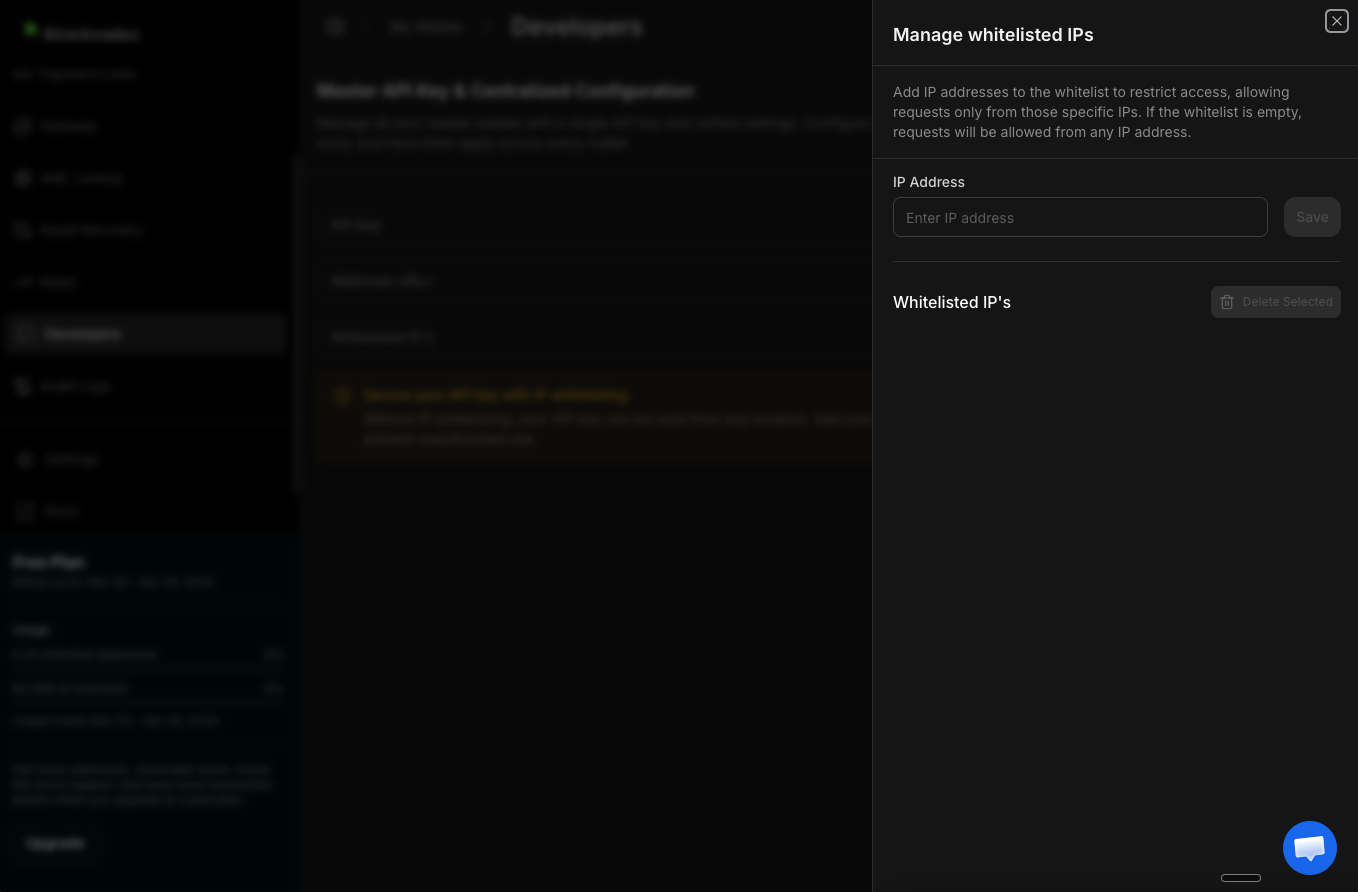
In a nutshell
Blockradar’s IP whitelisting lets you restrict API requests to specific IPs, adding an additional layer of protection to your integration.
Blockradar’s IP whitelisting lets you restrict API requests to specific IPs, adding an additional layer of protection to your integration.
How It Works
By default, your API key can be used from any IP address. With IP whitelisting enabled, Blockradar will reject any API request that doesn’t originate from one of your approved IPs. This helps prevent unauthorized use of your API key, even if it’s accidentally exposed.Setting Up IP Whitelisting
1
Go to Developers
Log in to the Blockradar Dashboard and navigate to the Developers page from the sidebar.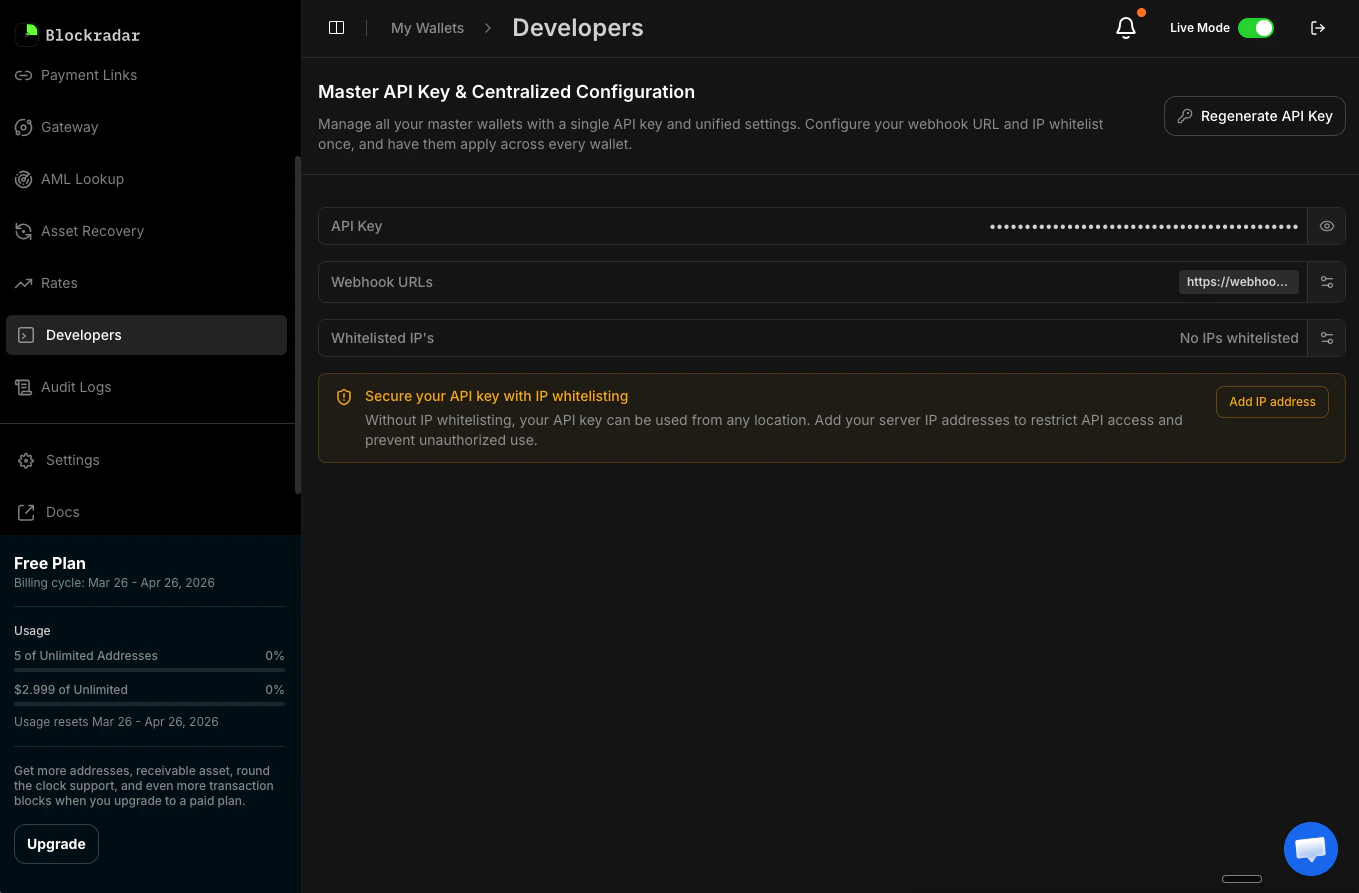
2
Open IP Whitelisting
Find the Secure your API key with IP whitelisting section.
3
Add an IP Address
Click Add IP address, enter the IP address you want to approve, and click Save.