

Step 1: Sign up
Go to dashboard.blockradar.co/signup and enter your email address. You’ll receive a verification email — click the link to continue.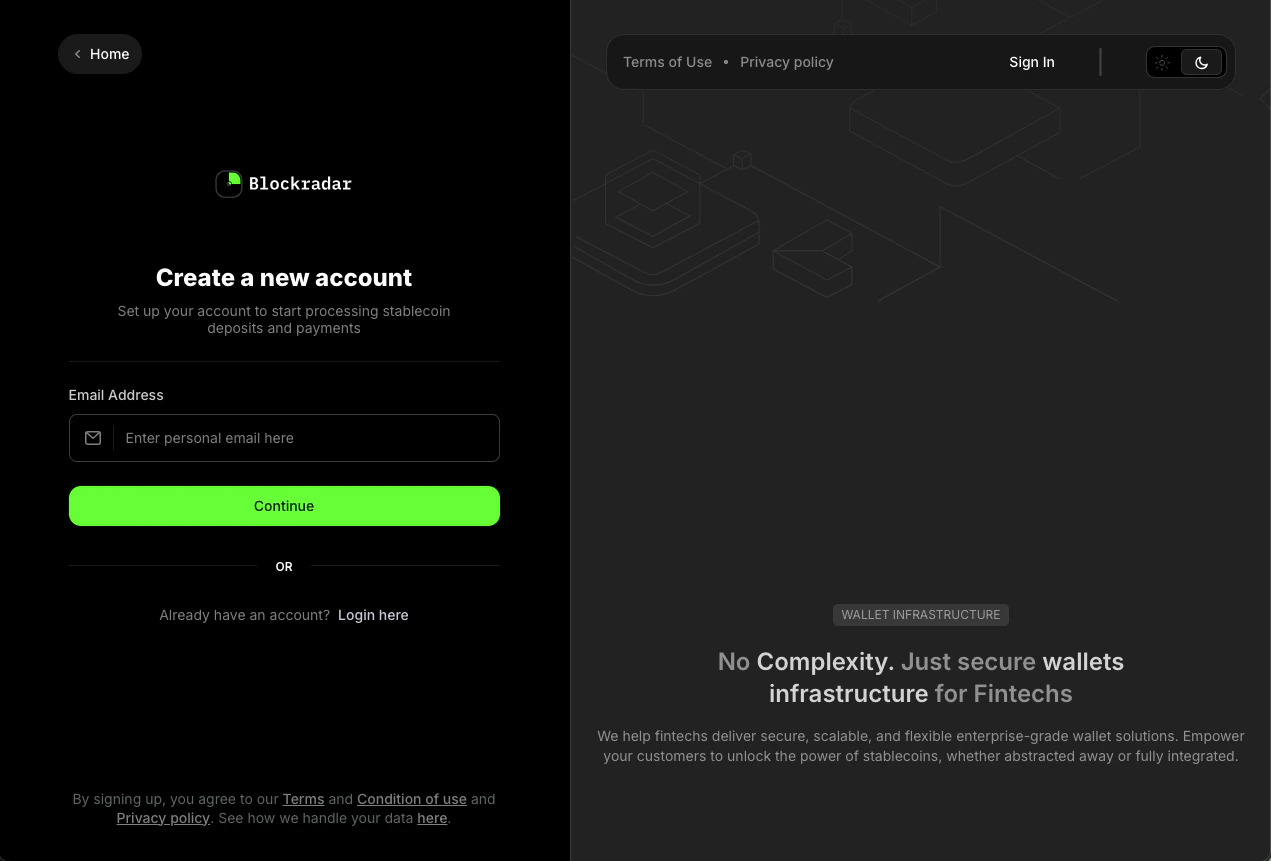
Step 2: Add business information
1
Company details
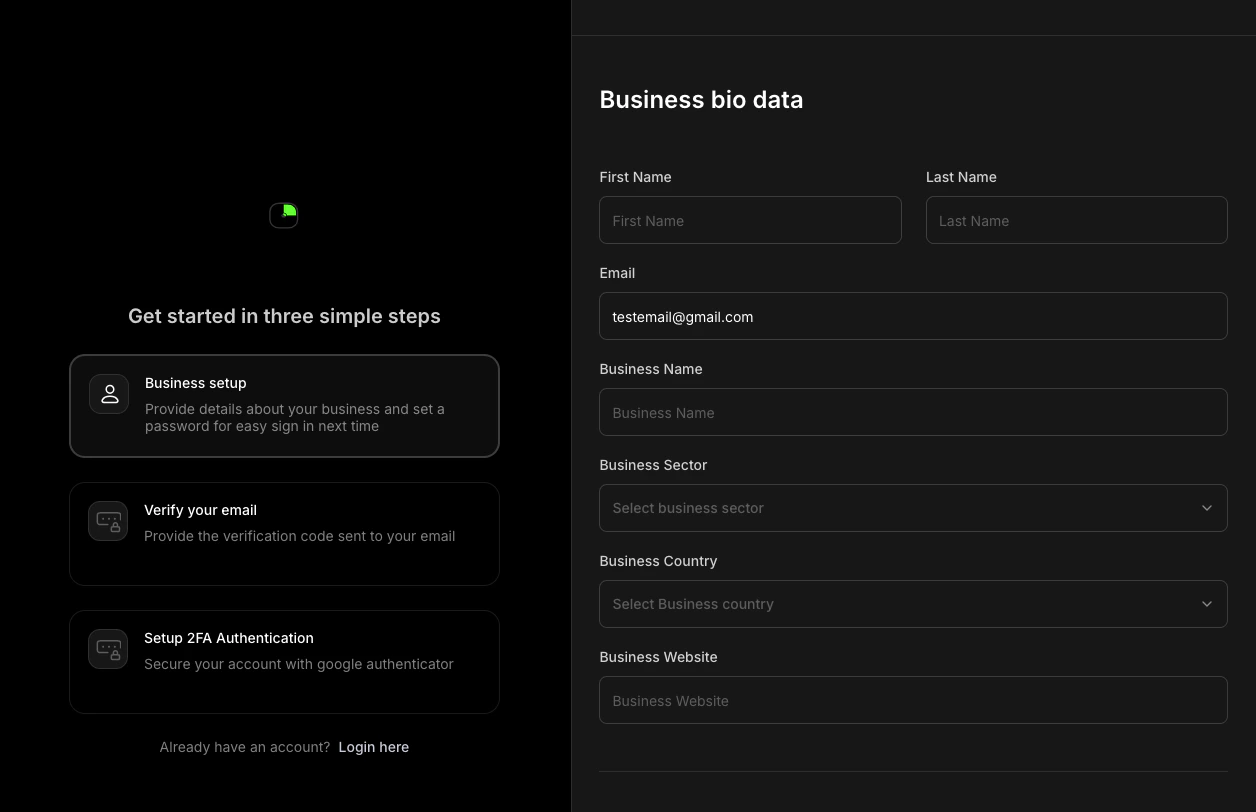
Enter your company name, business sector, country, and website.
2
Verify your email
We will send you a 6-digit code to your email to verify it.
3
Secure your account
Set up two-factor authentication (2FA). This is required before you can access API keys or perform withdrawals.
Next steps
Create a master wallet
Set up your first wallet and pick a network.
From 0 to integration
Follow a complete end-to-end integration walkthrough.