

En résumé
Les adresses dédiées vous permettent de créer une adresse blockchain unique pour chaque client. Ces adresses peuvent recevoir des stablecoins sur plusieurs chaînes compatibles EVM, et les dépôts sont automatiquement balayés vers votre portefeuille principal.
Les adresses dédiées vous permettent de créer une adresse blockchain unique pour chaque client. Ces adresses peuvent recevoir des stablecoins sur plusieurs chaînes compatibles EVM, et les dépôts sont automatiquement balayés vers votre portefeuille principal.
Prérequis
Avant de générer des adresses, assurez-vous d’avoir :1
Clé API
Récupérez votre clé API depuis le tableau de bord Blockradar. Rendez-vous dans Developers pour en générer une.
2
Portefeuille principal créé
Créez au moins un portefeuille principal depuis le tableau de bord (voir Créer un Portefeuille Principal). Vous aurez besoin du
walletId pour générer des adresses.3
Portefeuille approvisionné
Approvisionnez votre portefeuille principal en jetons natifs (ETH, BNB, MATIC, etc.) pour couvrir les frais de gas des opérations de balayage automatique.
4
Webhook configuré
Renseignez l’URL de votre webhook sur le portefeuille principal afin de recevoir les notifications de dépôt. Consultez Webhooks pour les détails de configuration.
Fonctionnement
Les adresses dédiées sont une fonctionnalité essentielle de Blockradar : elles vous permettent de créer une adresse unique pour chacun de vos clients. Vos clients déposent ainsi des stablecoins dans votre application fintech en toute simplicité. Lorsque vous créez une adresse dédiée pour un client, celui-ci peut utiliser cette seule adresse pour déposer des stablecoins sur plusieurs blockchains compatibles EVM. Par exemple, si vous avez créé des portefeuilles principaux Ethereum, Binance Smart Chain, Polygon et Base, chaque adresse générée depuis l’un d’eux peut recevoir des stablecoins sur n’importe laquelle des blockchains et actifs pris en charge. Vous n’avez donc pas à craindre qu’un client envoie ses stablecoins sur la mauvaise blockchain. De plus, lorsque des stablecoins sont déposés sur une adresse donnée, les actifs sont automatiquement transférés vers l’adresse du portefeuille principal de la chaîne concernée.En dehors de Tron et Solana, les adresses générées depuis un portefeuille peuvent servir à déposer des stablecoins sur les autres blockchains dont le paramètre
isEvmCompatible: true.Créer une adresse dédiée
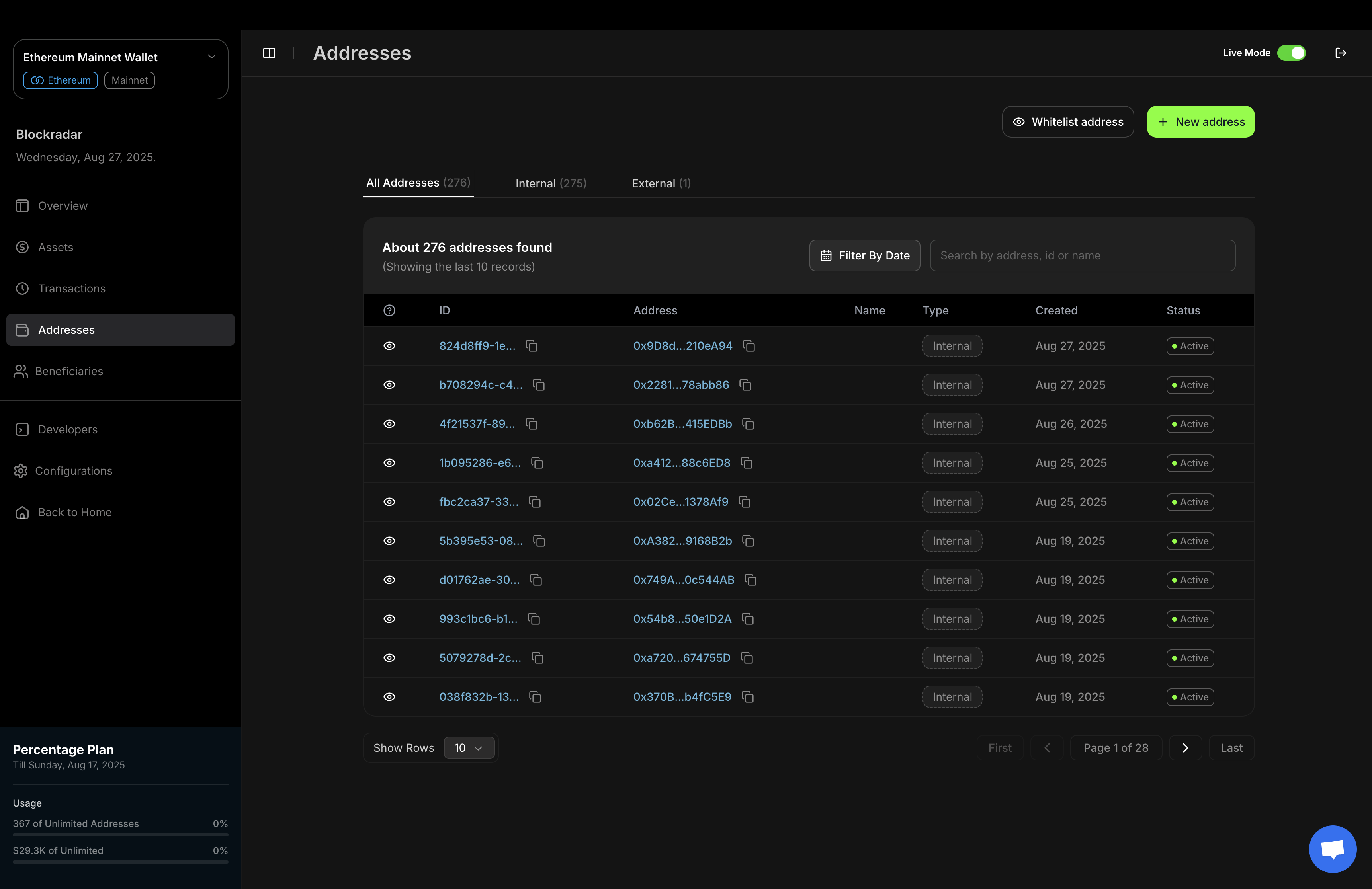
Vous pouvez générer une adresse dédiée pour votre client depuis le tableau de bord Blockradar ou via l’API, selon votre flux de travail et vos besoins d’intégration.1. Depuis le tableau de bord
Le tableau de bord Blockradar propose une interface simple et intuitive pour générer de nouvelles adresses.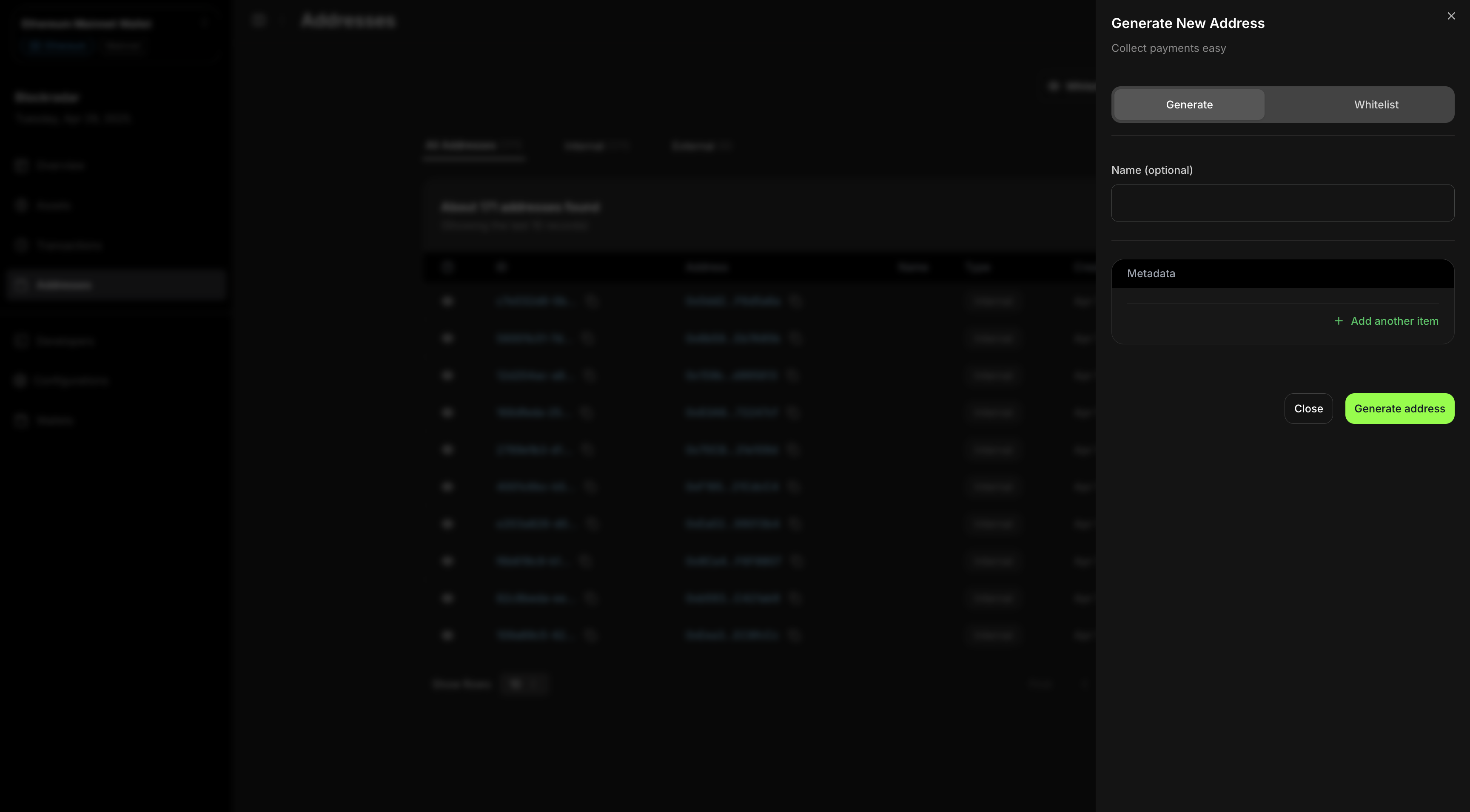
Cette capture d’écran illustre la génération d’une nouvelle adresse depuis le tableau de bord Blockradar. Cette méthode convient à la création manuelle ou aux équipes qui préfèrent une interface graphique.
2. Via l’API
Pour une génération d’adresses programmatique ou automatisée, utilisez l’API de création d’adresse dédiée.C’est utile pour intégrer la création d’adresses à vos propres applications ou systèmes backend. Pour créer une adresse dédiée pour un client, envoyez une requête
POST à notre API Créer une Adresse Dédiée.
Réponse
Tests
Les adresses générées depuis un portefeuille principal de testnet ne peuvent recevoir des actifs que sur le testnet.
- Ethereum : obtenez de l’USDC de test ici : Circle
- Binance Smart Chain : obtenez de l’USDT de test ici : Binance
- Polygon : obtenez de l’USDC de test ici : Circle
- Base : obtenez de l’USDC de test ici : Circle
- Tron : obtenez de l’USDT de test ici : Nileex
- Solana : obtenez de l’USDC de test ici : Circle
- Optimism : obtenez de l’USDC de test ici : Circle
- Arbitrum : obtenez de l’USDC de test ici : Circle
- Celo : obtenez de l’USDC de test ici : Circle
Bon développement ! 💚