
简而言之
Blockradar 资产恢复 API 允许您恢复意外发送到正确地址但错误区块链上的资产。它支持所有受支持网络上的原生货币和自定义资产(ERC-20 及兼容标准)。
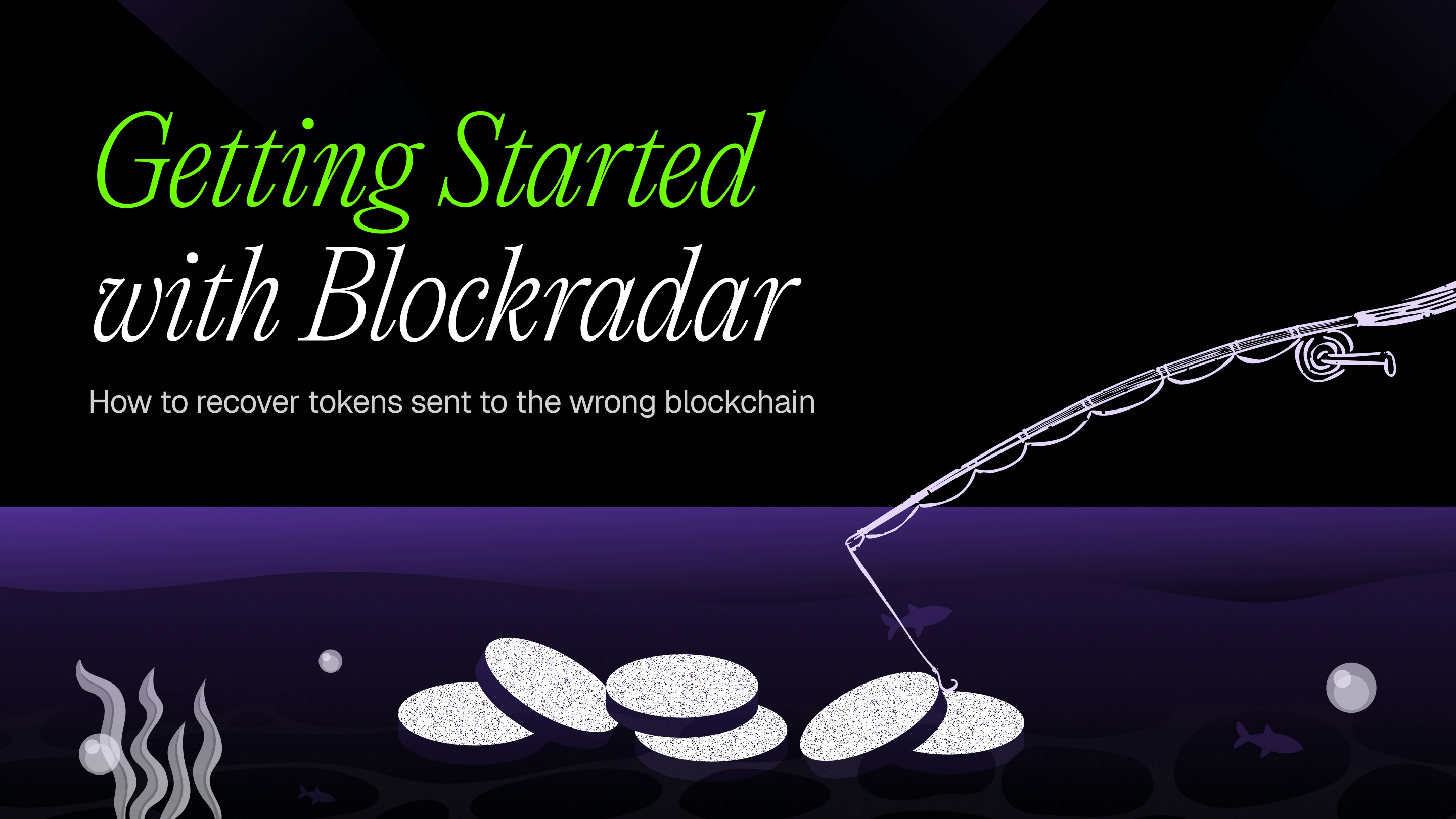
什么是资产恢复?
资产恢复使您能够取回发送到正确钱包地址但错误区块链网络上的资金。这通常发生在:
- 用户在以太坊上发送资产,但本意是在 Polygon 上发送
- 资产被发送到 BNB Smart Chain 而非 Arbitrum
- 任何跨链地址混淆,即同一地址存在于多个 EVM 兼容网络上
由于 EVM 兼容的区块链共享相同的地址格式,同一地址可以在多个网络上接收资产。资产恢复允许您以编程方式访问这些资金。
前提条件
在使用资产恢复 API 之前,请确保您有:
已创建钱包
通过 创建钱包 API 或控制台创建钱包。您需要 walletId 来进行恢复操作。 区块链 ID
获取资产被困网络的 blockchainId。您可以在控制台或通过 获取区块链 API 找到它。 原生货币余额
确保发送方地址在恢复区块链上有足够的原生货币(ETH、BNB、MATIC 等)来支付 gas 费用。
工作原理
资产恢复 API 将资产从发送方地址(资产被困的地方)转移到同一区块链上的接收方地址:
原生货币恢复
恢复发送到错误网络的原生货币,如 ETH、BNB、MATIC 或 AVAX。
自定义资产恢复
通过指定合约地址恢复 ERC-20 及兼容资产。
自定义 RPC 支持
通过提供您自己的 RPC 端点,在不支持的区块链上恢复资产。
支持的区块链
资产恢复可在 Blockradar 支持的所有区块链上使用,包括 EVM 兼容网络、Tron 和 Solana。查看集成获取完整的支持网络列表和水龙头链接。
对于不直接支持的 EVM 网络,您可以提供自定义 RPC URL,并可选择为基于 rollup 的网络启用 Layer 2 模式。
恢复资产
发起资产恢复操作,将被困资产转移到接收方地址。
请求参数
| 参数 | 类型 | 必需 | 描述 |
|---|
senderAddress | string | 是 | 资产当前被困的 Blockradar 地址。 |
recipientAddress | string | 是 | 恢复的资产将发送到的目标地址。 |
amount | string | 是 | 要恢复的金额。使用全部金额或部分金额。 |
blockchainId | string (UUID) | 是 | 将进行恢复的区块链 UUID。通过获取区块链 API获取。 |
tokenAddress | string | 否 | 自定义资产恢复的合约地址。原生货币则省略。 |
crossNetwork | boolean | 否 | 设置为 true 以恢复发送到错误网络环境的资产(例如,主网资产发送到测试网派生的地址)。默认为 false。 |
rpcUrl | string | 否 | 不支持的区块链的自定义 RPC 端点。不能与 crossNetwork 一起使用。 |
isL2 | boolean | 否 | 如果 RPC URL 指向 Layer 2 网络,设置为 true。 |
原生货币恢复
从错误网络恢复原生货币(ETH、BNB、MATIC 等):
curl --request POST \
--url https://api.blockradar.co/v1/wallets/{walletId}/salvage \
--header 'Content-Type: application/json' \
--header 'x-api-key: 您的_API_密钥' \
--data '{
"senderAddress": "0x1234567890abcdef1234567890abcdef12345678",
"recipientAddress": "0xabcdef1234567890abcdef1234567890abcdef12",
"amount": "0.5",
"blockchainId": "b80d3d5e-16f1-4d99-be5e-6dfcd27f89aa"
}'
const response = await fetch(
'https://api.blockradar.co/v1/wallets/{walletId}/salvage',
{
method: 'POST',
headers: {
'Content-Type': 'application/json',
'x-api-key': '您的_API_密钥'
},
body: JSON.stringify({
senderAddress: '0x1234567890abcdef1234567890abcdef12345678',
recipientAddress: '0xabcdef1234567890abcdef1234567890abcdef12',
amount: '0.5',
blockchainId: 'b80d3d5e-16f1-4d99-be5e-6dfcd27f89aa'
})
}
);
const data = await response.json();
console.log(data);
import requests
response = requests.post(
'https://api.blockradar.co/v1/wallets/{walletId}/salvage',
headers={
'Content-Type': 'application/json',
'x-api-key': '您的_API_密钥'
},
json={
'senderAddress': '0x1234567890abcdef1234567890abcdef12345678',
'recipientAddress': '0xabcdef1234567890abcdef1234567890abcdef12',
'amount': '0.5',
'blockchainId': 'polygon-mainnet'
}
)
print(response.json())
自定义资产恢复
通过指定合约地址恢复 ERC-20 或兼容资产:
curl --request POST \
--url https://api.blockradar.co/v1/wallets/{walletId}/salvage \
--header 'Content-Type: application/json' \
--header 'x-api-key: 您的_API_密钥' \
--data '{
"senderAddress": "0x1234567890abcdef1234567890abcdef12345678",
"recipientAddress": "0xabcdef1234567890abcdef1234567890abcdef12",
"amount": "100",
"blockchainId": "b80d3d5e-16f1-4d99-be5e-6dfcd27f89aa",
"tokenAddress": "0x3c499c542cEF5E3811e1192ce70d8cC03d5c3359"
}'
const response = await fetch(
'https://api.blockradar.co/v1/wallets/{walletId}/salvage',
{
method: 'POST',
headers: {
'Content-Type': 'application/json',
'x-api-key': '您的_API_密钥'
},
body: JSON.stringify({
senderAddress: '0x1234567890abcdef1234567890abcdef12345678',
recipientAddress: '0xabcdef1234567890abcdef1234567890abcdef12',
amount: '100',
blockchainId: 'b80d3d5e-16f1-4d99-be5e-6dfcd27f89aa',
tokenAddress: '0x3c499c542cEF5E3811e1192ce70d8cC03d5c3359'
})
}
);
const data = await response.json();
console.log(data);
import requests
response = requests.post(
'https://api.blockradar.co/v1/wallets/{walletId}/salvage',
headers={
'Content-Type': 'application/json',
'x-api-key': '您的_API_密钥'
},
json={
'senderAddress': '0x1234567890abcdef1234567890abcdef12345678',
'recipientAddress': '0xabcdef1234567890abcdef1234567890abcdef12',
'amount': '100',
'blockchainId': 'polygon-mainnet',
'tokenAddress': '0x3c499c542cEF5E3811e1192ce70d8cC03d5c3359'
}
)
print(response.json())
自定义 RPC 恢复
通过提供您自己的 RPC 端点在不支持的区块链上恢复资产:
curl --request POST \
--url https://api.blockradar.co/v1/wallets/{walletId}/salvage \
--header 'Content-Type: application/json' \
--header 'x-api-key: 您的_API_密钥' \
--data '{
"senderAddress": "0x1234567890abcdef1234567890abcdef12345678",
"recipientAddress": "0xabcdef1234567890abcdef1234567890abcdef12",
"amount": "0.5",
"blockchainId": "b80d3d5e-16f1-4d99-be5e-6dfcd27f89aa",
"rpcUrl": "https://rpc.custom-network.io",
"isL2": true
}'
const response = await fetch(
'https://api.blockradar.co/v1/wallets/{walletId}/salvage',
{
method: 'POST',
headers: {
'Content-Type': 'application/json',
'x-api-key': '您的_API_密钥'
},
body: JSON.stringify({
senderAddress: '0x1234567890abcdef1234567890abcdef12345678',
recipientAddress: '0xabcdef1234567890abcdef1234567890abcdef12',
amount: '0.5',
blockchainId: 'b80d3d5e-16f1-4d99-be5e-6dfcd27f89aa',
rpcUrl: 'https://rpc.custom-network.io',
isL2: true
})
}
);
const data = await response.json();
console.log(data);
import requests
response = requests.post(
'https://api.blockradar.co/v1/wallets/{walletId}/salvage',
headers={
'Content-Type': 'application/json',
'x-api-key': '您的_API_密钥'
},
json={
'senderAddress': '0x1234567890abcdef1234567890abcdef12345678',
'recipientAddress': '0xabcdef1234567890abcdef1234567890abcdef12',
'amount': '0.5',
'blockchainId': 'custom',
'rpcUrl': 'https://rpc.custom-network.io',
'isL2': True
}
)
print(response.json())
跨网络恢复
恢复意外发送到主网上测试网派生地址的资产,反之亦然。这是因为 EVM、Tron 和 Solana 地址是从相同的密钥派生的,与网络环境无关。
跨网络恢复需要 blockchainId,不能与 rpcUrl 一起使用。区块链必须与钱包的区块链匹配——不能同时跨链和跨网络。
curl --request POST \
--url https://api.blockradar.co/v1/wallets/{walletId}/salvage \
--header 'Content-Type: application/json' \
--header 'x-api-key: YOUR_API_KEY' \
--data '{
"senderAddress": "0x1234567890abcdef1234567890abcdef12345678",
"recipientAddress": "0xabcdef1234567890abcdef1234567890abcdef12",
"amount": "100",
"blockchainId": "b80d3d5e-16f1-4d99-be5e-6dfcd27f89aa",
"tokenAddress": "0xdAC17F958D2ee523a2206206994597C13D831ec7",
"crossNetwork": true
}'
const response = await fetch(
'https://api.blockradar.co/v1/wallets/{walletId}/salvage',
{
method: 'POST',
headers: {
'Content-Type': 'application/json',
'x-api-key': 'YOUR_API_KEY'
},
body: JSON.stringify({
senderAddress: '0x1234567890abcdef1234567890abcdef12345678',
recipientAddress: '0xabcdef1234567890abcdef1234567890abcdef12',
amount: '100',
blockchainId: 'b80d3d5e-16f1-4d99-be5e-6dfcd27f89aa',
tokenAddress: '0xdAC17F958D2ee523a2206206994597C13D831ec7',
crossNetwork: true
})
}
);
const data = await response.json();
console.log(data);
import requests
response = requests.post(
'https://api.blockradar.co/v1/wallets/{walletId}/salvage',
headers={
'Content-Type': 'application/json',
'x-api-key': 'YOUR_API_KEY'
},
json={
'senderAddress': '0x1234567890abcdef1234567890abcdef12345678',
'recipientAddress': '0xabcdef1234567890abcdef1234567890abcdef12',
'amount': '100',
'blockchainId': 'b80d3d5e-16f1-4d99-be5e-6dfcd27f89aa',
'tokenAddress': '0xdAC17F958D2ee523a2206206994597C13D831ec7',
'crossNetwork': True
}
)
print(response.json())
当 crossNetwork 启用时,交易元数据将包含 crossNetwork: true 和 keyDerivationNetwork 字段,用于审计目的。
成功响应
{
"message": "Salvage asset initiated successfully",
"statusCode": 200
}
网络费用估算
在执行恢复之前,估算网络费用以确保余额充足。
费用估算请求
curl --request POST \
--url https://api.blockradar.co/v1/wallets/{walletId}/salvage/network-fee \
--header 'Content-Type: application/json' \
--header 'x-api-key: 您的_API_密钥' \
--data '{
"senderAddress": "0x1234567890abcdef1234567890abcdef12345678",
"recipientAddress": "0xabcdef1234567890abcdef1234567890abcdef12",
"amount": "0.5",
"blockchainId": "b80d3d5e-16f1-4d99-be5e-6dfcd27f89aa"
}'
const response = await fetch(
'https://api.blockradar.co/v1/wallets/{walletId}/salvage/network-fee',
{
method: 'POST',
headers: {
'Content-Type': 'application/json',
'x-api-key': '您的_API_密钥'
},
body: JSON.stringify({
senderAddress: '0x1234567890abcdef1234567890abcdef12345678',
recipientAddress: '0xabcdef1234567890abcdef1234567890abcdef12',
amount: '0.5',
blockchainId: 'b80d3d5e-16f1-4d99-be5e-6dfcd27f89aa'
})
}
);
const data = await response.json();
console.log(data);
import requests
response = requests.post(
'https://api.blockradar.co/v1/wallets/{walletId}/salvage/network-fee',
headers={
'Content-Type': 'application/json',
'x-api-key': '您的_API_密钥'
},
json={
'senderAddress': '0x1234567890abcdef1234567890abcdef12345678',
'recipientAddress': '0xabcdef1234567890abcdef1234567890abcdef12',
'amount': '0.5',
'blockchainId': 'polygon-mainnet'
}
)
print(response.json())
费用响应参数
| 参数 | 描述 |
|---|
networkFee | 以原生货币单位估算的 gas 费用 |
networkFeeInUSD | 转换为美元的 gas 费用 |
nativeBalance | 发送方当前的原生货币余额 |
nativeBalanceInUSD | 转换为美元的原生余额 |
始终在执行恢复操作之前估算费用。发送方地址必须在恢复区块链上有足够的原生货币来支付 gas 费用。
Webhooks
订阅 webhook 事件以接收有关恢复操作的实时通知。
恢复事件
| 事件 | 描述 |
|---|
salvage.success | 恢复操作成功完成时触发。 |
salvage.failed | 恢复操作因资金不足、网络问题或其他错误而失败时触发。 |
salvage.cancelled | 恢复操作在完成前被取消时触发。 |
Webhook 负载
{
"event": "salvage.success",
"data": {
"id": "txn_abc123",
"type": "SALVAGE",
"status": "SUCCESS",
"amount": "0.5",
"senderAddress": "0x1234567890abcdef1234567890abcdef12345678",
"recipientAddress": "0xabcdef1234567890abcdef1234567890abcdef12",
"blockchain": "polygon-mainnet",
"txHash": "0x9876543210fedcba9876543210fedcba9876543210fedcba9876543210fedcba",
"networkFee": "0.001",
"createdAt": "2025-01-12T10:30:00Z"
}
}
常见用例
用户想在以太坊上发送 USDC,但意外发送到了 Polygon。由于地址相同,资金到达了 Polygon。使用 Polygon 上的 USDC 合约地址进行资产恢复来取回资金。
用户将 ETH 桥接到 Arbitrum,但发送到了 Blockradar 地址。由于 EVM 兼容性,同一地址存在于 Arbitrum 上。使用原生货币恢复从 Arbitrum 恢复 ETH。
用户在 Optimism 等 L2 网络上发送了自定义 ERC-20 资产。提供资产合约地址并使用恢复 API 来恢复它。
资产被困在 Blockradar 不直接支持的区块链上。提供您自己的 RPC 端点,如果是 rollup 则设置 isL2: true 来恢复资金。
用户将主网 USDT 发送到了在测试网上创建的地址。由于相同的私钥在两个网络上派生相同的地址,使用 crossNetwork: true 进行跨网络恢复,利用测试网钱包的密钥恢复主网资金。
错误处理
{
"error": "Insufficient native balance for gas",
"code": "INSUFFICIENT_GAS",
"details": {
"required": "0.01",
"available": "0.001",
"currency": "MATIC"
}
}
解决方案: 在重试之前,向发送方地址充值足够的原生货币以支付 gas 费用。
{
"error": "Sender address not found in wallet",
"code": "INVALID_SENDER"
}
解决方案: 确保发送方地址属于您的 Blockradar 钱包,并且是有效的子地址。
{
"error": "No balance found for specified asset",
"code": "ASSET_NOT_FOUND",
"details": {
"tokenAddress": "0x...",
"blockchain": "polygon-mainnet"
}
}
解决方案: 验证合约地址和区块链。使用区块浏览器确认资产存在于发送方地址。
{
"error": "Failed to connect to custom RPC",
"code": "RPC_ERROR"
}
解决方案: 验证您的 RPC URL 是否正确且可访问。确保它支持所需的 JSON-RPC 方法。
最佳实践
始终先估算费用
在恢复之前使用网络费用端点,确保有足够的 gas 余额并显示准确的成本。
验证地址
在发起恢复之前,使用区块浏览器仔细检查发送方和接收方地址。
使用 Webhooks
配置 webhooks 以接收实时状态更新,而不是轮询 API。
在测试网测试
在生产环境使用之前,在测试网上测试您的恢复集成。
API 参考
祝您恢复顺利!